FHIR specification support There are two specifications that serve as requirements for the library:
In this section, we will provide details on how each requirement in these two specifications is supported by the library.
FHIR Questionnaire Questionnaire item The following table summarizes the library's support for the key fields in the questionnaire item element .
Support Notes linkId ✅ definition ✅ See Definition-based extraction code ⛔️ prefix ✅ text ✅ type ✅ See Questionnaire item type enableWhen ✅ enableBehavior ✅ required ✅ repeats ✅ readOnly ✅ maxLength ✅ For text only answerConstraint ⛔️ answerValueSet ✅ answerOption ✅ initial ✅ item ⚠️ Items nested under group are supported (see #726 ); items nested under non-group questions are not yet supported (see #910 ).
Questionnaire item type The following table summarizes the library's support for questionnaire item types .
Item type Support Example Notes Group ✅ Display ✅ Question ✅ See sub-types below Boolean ✅ JSON Decimal ✅ Integer ✅ Date ✅ JSON Date time ✅ JSON Time ⛔️ String ✅ Rendered as single-line text box Text ✅ Rendered as multi-line text box Url ⛔️ Choice ✅ ~~Open Choice~~ ✅ Deprecated in R5. Use answerConstraint instead. Attachment ✅ JSON Reference ⛔️ Quantity ✅
Structured Data Capture Specification This section summarizes the library's support for advanced form rendering .
Text appearance Code Support Example Notes rendering-style ⛔️ rendering-xhtml ⛔️ displayCatagory ⚠️ instructions code only openLabel ⛔️ hidden ✅ itemMedia ✅ JSON itemAnswerMedia ✅
Control appearance Control appearance Support Notes itemControl ✅ See below choiceOrientation ✅ sliderStepValue ✅ width ⛔️ collapsible ⛔️
Item control The itemControlexample usage . Item controls are only compatible with certain questionnaire item types (e.g. drop down item control cannot be applied to boolean type questions). This is listed in the Compatible item type column in the following table. Unsupported item controls are omitted in the table below.
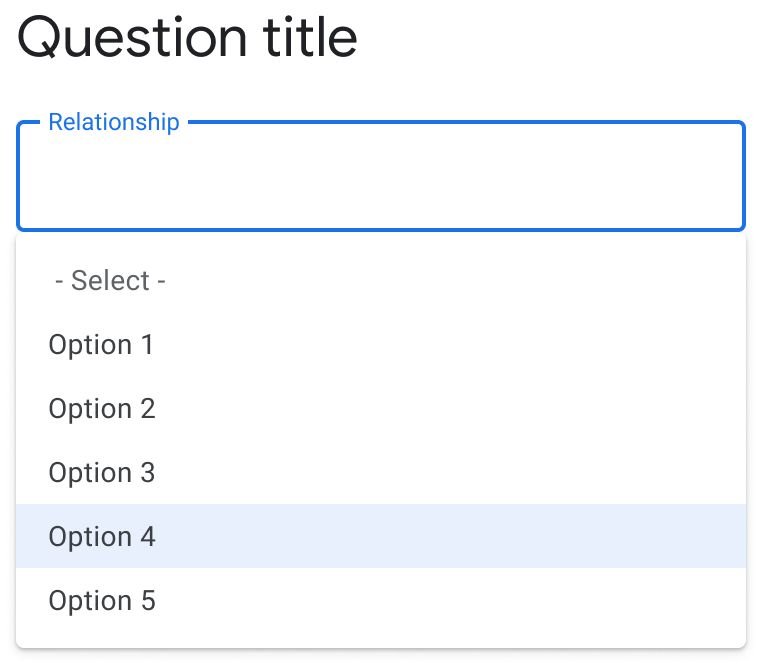
Item control Compatible item type Example Notes Image Page Group JSON Fly-over Display Help-Button Display JSON Auto-complete Choice JSON Filter-forward based on inlined answerOptions Drop down Choice JSON Default for 4 or more answer options Check-box Choice JSON Default for repeat answers Radio Button Choice JSON Default for less than 4 answer options Slider Integer JSON
Additional display content Code Support Notes supportLink ⛔️ choiceColumn ⛔️ optionPrefix ⛔️ valueset-label ⛔️ entryFormat ⚠️ Used in SDC for user guidance, not for validation. However, we use it to validate date where appropriate. See #1850 . shortText ⛔️
Other Code Support Notes required ✅ repeats ✅ readOnly ✅ rendering-styleSensitive ⛔️ optionalDisplay ⛔️
Enhanced behavior This section summarizes the library's support for form behavior and calculation .
Value constraints The library supports the following value constraints which limit the allowed values for answers.
Value constraint Support Notes maxLength ✅ For text only minLength ✅ For text only regex ✅ minValue ✅ maxValue ✅ minQuantity ⛔️ maxQuantity ⛔️ maxDecimalPlaces ✅ mimeType ⛔️ maxSize ⛔️
Choice restriction The library supports the following choice restrictions . Note some of these are already covered in Questionnaire item support.
Choice restriction Support Notes answerOption ✅ answerValueSet ✅ answerExpression ✅ required ✅ repeats ✅ readOnly ✅ minOccurs ⛔️ maxOccurs ⛔️ optionExclusive ✅ unitOption ⛔️ unitValueSet ⛔️ referenceResource ⛔️ referenceProfile ⛔️ candidateExpression ✅ lookupQuestionnaire ⛔️
Calculations Code Support Example Notes cqf-library ⛔️ launchContext ✅ variable ✅ initialExpression ✅ calculatedExpression ✅ JSON cqf-calculatedValue ⛔️ cqf-expression ⚠️ JSON text only
Other control Code Support Notes entryMode ✅ intial ✅ enableWhen ✅ enableWhenBehavior ✅ enableWhenExpression ✅ usageMode ⛔️ constraint ⛔️ endpoint ⛔️ signatureRequired ⛔️ ordinalValue ⛔️ text ⛔️
Expression extensions This section summarizes the library's support for expressions .
Name Support Example Notes variable ✅ answerExpression ✅ initialExpression ✅ candidateExpression ⚠️ #1038 contextExpression ⛔️ calculatedExpression ✅ JSON enableWhenExpression ✅ JSON answerOptionToggleExpression ⛔️ itemPopulationContext ⛔️ itemExtractionContext ⛔️ constraint ⛔️ library ⛔️ #1060 launchContext ✅